-
Shopify
+2
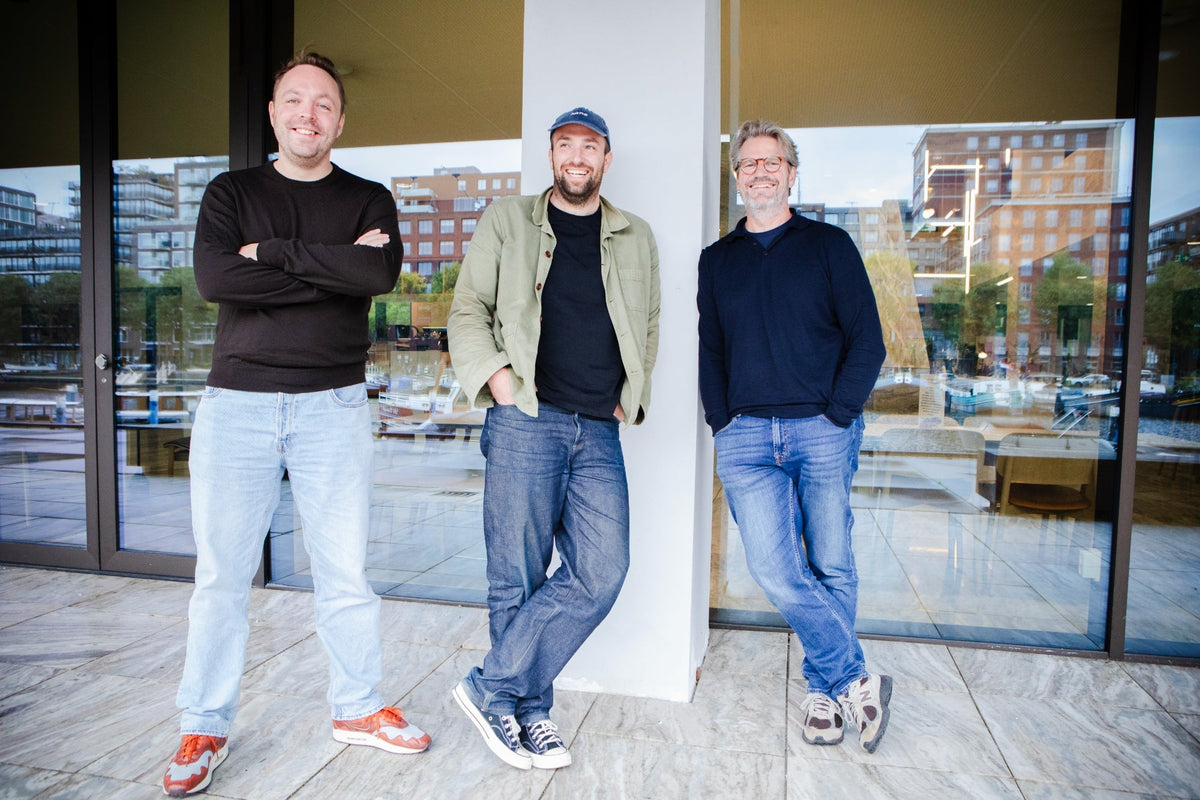
Ask Phill gets supercharged
After ten years of bootstrapping, Ask Phill joins Happy Horizon
Shopify Canvas Editor


Last updated: October 7, 2026. Canvas is changing quickly, and we update this review as it does.
Shopify Canvas is a new design surface, launched on October 1, 2026, where merchants build and edit their online store theme together with Sidekick, Shopify's AI agent. It shows every page of the store in one workspace, lets you click any element to edit it, and has Sidekick make changes in real time on the actual theme code. In practice, it turns Shopify Sidekick into an AI store builder that works inside your own theme: you describe what you want, and Sidekick builds or changes it while you watch.
We have been testing the early-access version. Building with Sidekick is fast and natural, the interface is cleaner than the current theme editor, and responsive control is better. Basics such as a layers panel, drag and drop, and complete block settings are still missing, and support for third-party themes, app blocks, markets, and translations has not arrived yet.
Our view: Canvas is a great step towards a better interface for editing a Shopify store, and it is still early days. Today it suits small and midsize brands with a designer or design specialist on the team. It is not ready yet for larger enterprise brands.
Shopify Canvas is a visual workspace for designing a Shopify store with Sidekick, the AI assistant built into the Shopify admin. Canvas is where Sidekick now edits your theme. Shopify's changelog describes it as "a new design surface that lays out every page of your store in one interactive workspace. Pan, zoom, edit directly, and work with Sidekick to build a custom store."
According to Shopify's Help Center documentation and launch coverage, Canvas lets you:
Canvas is the latest step in Sidekick's spread across the admin, which we followed through the Spring 2026 Edition and Shopify's AI toolkit release. Shopify says Sidekick made more than 25 million edits to themes in the first half of 2026, and Ben Sehl, Director of Product at Shopify, said a merchant can now "build a fully custom store in twenty minutes" (Unite.AI). We have not tested that claim on a Plus-scale store.
Our first hands-on impression is positive: Canvas is a faster, more visual way to build, and it still lacks a few basic editor controls. Ben Rosenberg, Senior Shopify Consultant at Ask Phill, has been testing the early-access version. These are first impressions of an early build, and we expect several of them to change quickly.
Building with Sidekick in Canvas is fast and smooth. The big question for production themes is dynamic content: how Canvas handles dynamic sources on blocks will decide whether larger stores can use it.
Ben Rosenberg
Senior Shopify Consultant
What works well:

What still needs work:

The open question for production themes is dynamic content. How Canvas handles dynamic sources on blocks, and with them the metafields and metaobjects that larger stores build their content on, decides whether it is usable for real production themes. We have not seen an answer yet.
We had two earlier glimpses of this direction: our Winter '26 Edition coverage in December 2025 described Conversational Theme Editing, and at Shopify's dot dev summit in July 2026 we saw an early version heading towards a full workspace. The shipped product goes well beyond what we saw, and the credit belongs to Shopify's product and design teams.
The Shopify theme editor configures one template at a time through a settings panel, while Canvas shows the whole store and lets you edit by clicking or by describing the change to Sidekick. You open the theme editor from Online Store, Themes, then Customize in the Shopify admin; Canvas opens from the same Themes page. Each has strengths today.
| Theme editor | Canvas (early access) | |
|---|---|---|
| View | One template at a time | Every template in one workspace, pan and zoom |
| Editing | Settings panel, section by section | Click elements directly, or describe the change to Sidekick |
| Changes beyond the settings | Needs a developer | Sidekick edits the theme files |
| Layout control | Drag and drop, section and block list | No drag and drop or layers panel yet |
| Responsive control | Desktop and mobile preview | More breakpoints |
| Availability | All stores, default editor | Selected stores, desktop only, alongside the editor |
Canvas changes the editing tool, not the theme. Shopify's themes have evolved on their own track, from Timber in 2014 through Dawn and Online Store 2.0 in 2021 to Horizon in 2025. In its developer forum announcement, Shopify says it expects themes to become "a starting point for merchants to realize their vision."
Canvas launches without several things most Shopify Plus stores depend on, and Shopify is open about that. Here is what is missing today and why it matters for larger brands.
| Not supported yet | Why it matters for Plus brands |
|---|---|
| Third-party themes (Canvas works with Shopify-made and custom themes) | Brands on a Theme Store theme from an independent developer stay on the existing editor for now |
| Theme updates after editing in Canvas | Your team owns maintenance of that theme from then on, so work on a copy |
| Adding or configuring app blocks and app embeds | Reviews, loyalty, and email sign-up widgets usually live in app blocks |
| Markets and translations | Multi-market European brands keep localisation work in the existing tools |
| Rollouts | Scheduled campaign changes still run through the current workflow |
| Undo after a Sidekick change (it clears the undo history) | Keep a theme copy as your safety net |
| Mobile | Editing happens on desktop only |
Shopify says it is working towards compatibility with third-party themes before Canvas becomes the default editor, and plans to add the rest over time. Sources: TechCrunch, Unite.AI, and Shopify's developer forum.
The direction is right: one view of the whole store, direct editing, and an agent that works on the real code. The gaps sit exactly where larger brands are most exposed, so our view depends on the brand.
| Brand profile | Our view today | Why |
|---|---|---|
| Small and midsize brands with a designer or design specialist on the team | A great fit, start on a theme copy | A designer can brief Sidekick precisely, judge the output, and move much faster than through the settings panel |
| Small and midsize brands without design skills in house | Worth trying, with care | Canvas makes changes easy; knowing which changes are good for the brand still takes a trained eye |
| Larger enterprise brands | Not ready yet, explore it away from production | No third-party themes, app blocks, markets, translations, or rollouts, and dynamic sources are an open question |
Design skills matter because Canvas changes who can make a change, not who can judge one. With a clear view of the brand, typography, and layout, Sidekick becomes a fast pair of hands. Without it, a store can drift from the brand one well-meant edit at a time.
For enterprise brands, the reasons are practical rather than a verdict on the product. Most rely on app blocks, sell in several markets and languages, build content on dynamic sources, and release changes through scheduled rollouts. If your frustration with the theme editor is settings-panel noise on a largely standard setup, a signal we describe in our custom vs. standard theme decision framework, Canvas is built for exactly that. If it comes from custom Liquid logic, metafield and metaobject content, or app integrations, Canvas does not address that work today.
What we would do first:
We are continuing to test Canvas as early access reaches our own and our clients' stores, with a focus on complex, multi-market templates and dynamic content. We are also adding a short set of Canvas questions to our Shopify Plus Accelerator onboarding, and we will update this review as Shopify ships changes.
Canvas is a great step towards a better interface, ready today for small and midsize brands with design skills in house, and not yet for enterprise. If you want to think through what it means for your team, get in touch or read more about working with a Shopify Plus Partner.
Shopify Canvas is a design surface, launched on October 1, 2026, where merchants build and edit their online store theme with Sidekick, Shopify's AI agent. It shows every page of the store in one workspace and edits the real theme code.
In practice, yes. Canvas lets you build or change a store's theme by describing it to Sidekick, which edits the real theme code while you watch. It is separate from Shopify's earlier AI store builder tool, which generates a starter store from a short description.
Yes. With Shopify Canvas, Sidekick can build a new theme from a description or change an existing one, and Shopify says a merchant can build a fully custom store in about twenty minutes. A designer's eye is still needed to judge the result, and larger stores rely on features Canvas does not support yet, such as app blocks, markets, and translations.
No. Canvas runs alongside the existing theme editor. Shopify says it is working towards compatibility with third-party themes before Canvas becomes the default editor.
Canvas works with themes developed by Shopify and with custom themes. Third-party themes are not supported yet, and a theme edited in Canvas no longer receives theme updates.
No. Canvas is available only on desktop devices, and it is in early access for selected stores.
Shopify has not said how Canvas handles dynamic sources on blocks, including metafields and metaobjects. In our testing it remains an open question, and it decides whether Canvas is usable for production themes.
Today, Canvas suits small and midsize brands with a designer or design specialist on the team. Larger enterprise brands are better served by the existing theme editor until Canvas supports app blocks, markets, translations, and third-party themes.
Ask Phill gets supercharged
After ten years of bootstrapping, Ask Phill joins Happy Horizon
Shopify Canvas Editor
Shopify Canvas review: our first hands-on impressions
PrestaShop Migration
PrestaShop to Shopify Migration in 2026: Real Cost, Timeline, and What Actually Breaks